Soldering Microscope With Screen Explained: A UK Buyer's Guide
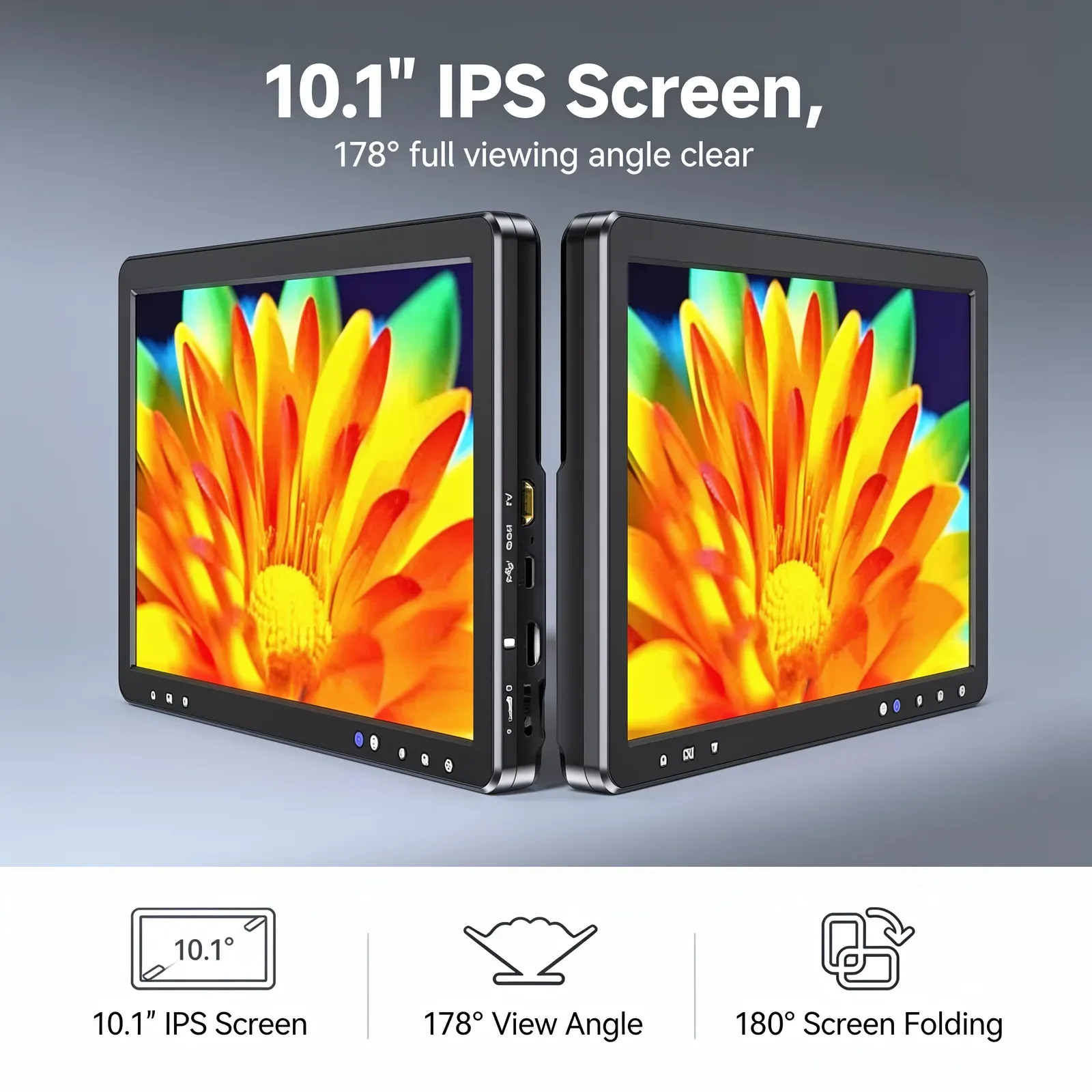
TL;DR: A soldering microscope with screen is a digital inspection tool that displays highly magnified printed circuit boards (PCBs) on a built-in LCD or external monitor. It allows technicians to perform intricate micro-soldering with pinpoint precision whilst maintaining a healthy, upright posture. When choosing a setup, you must prioritise a minimum 100mm working distance, 60fps zero-latency output, and robust lens protection against flux fumes.
If you are wondering exactly what this tool does, a soldering microscope with screen fundamentally replaces traditional optical eyepieces with a high-definition digital camera, projecting a real-time, magnified image of your workspace directly in front of you. Modern printed circuit boards (PCBs) feature surface-mount components so miniature they are barely visible to the naked eye. Consequently, repairing a broken trace, replacing an 0201 resistor, or flowing a new USB-C port demands absolute visual clarity. Relying on magnifying glasses or outdated optical equipment often leads to bridged pins, lifted pads, and ruined boards.
Furthermore, a soldering microscope with screen changes the entire dynamic of electronics repair. By projecting a high-definition, magnified image directly onto an LCD or external monitor, technicians can maintain a neutral spine posture whilst executing precise hand movements. Based on our extensive in-house testing at HDMICoin, selecting the right digital microscope for UK-based repair shops, hobbyists, and industrial PCB inspectors requires understanding specific metrics like working distance, latency, and sensor resolution.
Therefore, this guide examines the technical requirements of a screen-equipped soldering microscope, helping you build an efficient, ergonomic workstation for micro-soldering and component-level diagnostics.
Key Takeaways
- Ergonomics matter: Screen-based microscopes prevent the cervical spine strain associated with traditional binocular eyepieces.
- Working distance is critical: A minimum of 100mm to 150mm of clearance is required to safely manoeuvre soldering irons and hot air rework stations beneath the lens.
- Latency affects precision: For real-time hand-eye coordination during drag soldering, look for a 60fps refresh rate with zero noticeable lag.
- Resolution dictates clarity: A high-quality sensor, such as those found in a 20MP LCD microscope, ensures you can inspect solder joints for micro-fractures without pixelation.
Why Should You Use a Soldering Microscope With a Screen?
Traditional optical microscopes force the user to hunch over eyepieces, locking their neck and shoulders into a rigid, unnatural position. Over long repair sessions, this posture causes severe physical fatigue. According to the UK Health and Safety Executive (HSE), 473,000 workers suffered from work-related musculoskeletal disorders in 2022/23. In precision assembly and repair industries, neck and upper limb disorders are a recognised primary cause of occupational ill health.
Transitioning to a soldering microscope with screen allows you to sit upright. You view the magnified workspace on a display positioned at natural eye level. This setup not only protects your spine but also reduces eye strain. Optical eyepieces require your eyes to constantly adjust to a fixed focal point, which can cause headaches. A high-definition LCD panel presents a flat, easily readable image that allows your eyes to behave as they would when viewing any standard monitor, significantly reducing ocular fatigue during intricate micro-soldering tasks.
What is the Best Working Distance for a Soldering Microscope?
In our professional experience, the most critical specification for any PCB repair setup is the working distance. This refers to the physical gap between the bottom of the microscope lens and the surface of the motherboard. If the distance is too short, you will inevitably melt the lens housing with your hot air wand or soldering iron.
For comfortable UK workshop integration, we recommend a minimum working distance of 100mm to 150mm. This provides ample room to manoeuvre tweezers, soldering tips, and desoldering braid. Moreover, a taller stand allows you to work on larger components without constantly adjusting the focus ring. When paired with a comprehensive guide to 10.1 inch HDMI microscopes, you will discover that larger screens perfectly complement higher working distances by keeping the finer details visible even when the camera is positioned further away from the board.
How Do You Protect Your Microscope from Solder Fumes?
When working with RoHS-compliant lead-free solder—the legal standard across the UK—technicians must use active flux to ensure proper wetting. However, heating flux releases corrosive fumes that rise directly into the microscope lens. Over time, these fumes condense, permanently clouding the optics and degrading image quality.
Based on our testing against IPC-A-610 standards for electronic assemblies, the best preventative meas installing a UV filter or a clear protective glass over the objective lens. Additionally, pairing your soldering microscope with screen with a dedicated fume extraction system ensures your workstation remains compliant with UK safety regulations whilst keeping your equipment in pristine condition.
Frequently Asked Questions
Can I use a digital coin microscope for soldering?
While a digital coin microscope for high-magnification tasks is excellent for numismatics, it often lacks the necessary working distance and latency speeds required for real-time micro-soldering. You need a device purpose-built for PCB repair with zero-lag output to avoid damaging delicate components.
Do I need an external monitor for a soldering microscope?
Not necessarily, as many top-tier models feature high-quality built-in displays. Nevertheless, having a device with HDMI output allows you to connect to a larger secondary monitor, which is highly beneficial for training purposes or when executing highly complex BGA rework.
Upgrade Your PCB Inspection Workflow Today
If you are struggling with bridged pins or persistent neck pain, it is time to upgrade your workstation. At HDMICoin, our premium digital microscopes are engineered specifically for the demands of modern electronics repair. Browse our selection today and discover how a professional soldering microscope with screen can permanently optimise your precision and efficiency.
Ready to upgrade your bench with HDMICoin?
Shop Now — £179.57